Booking QR code: where to place it and what to write
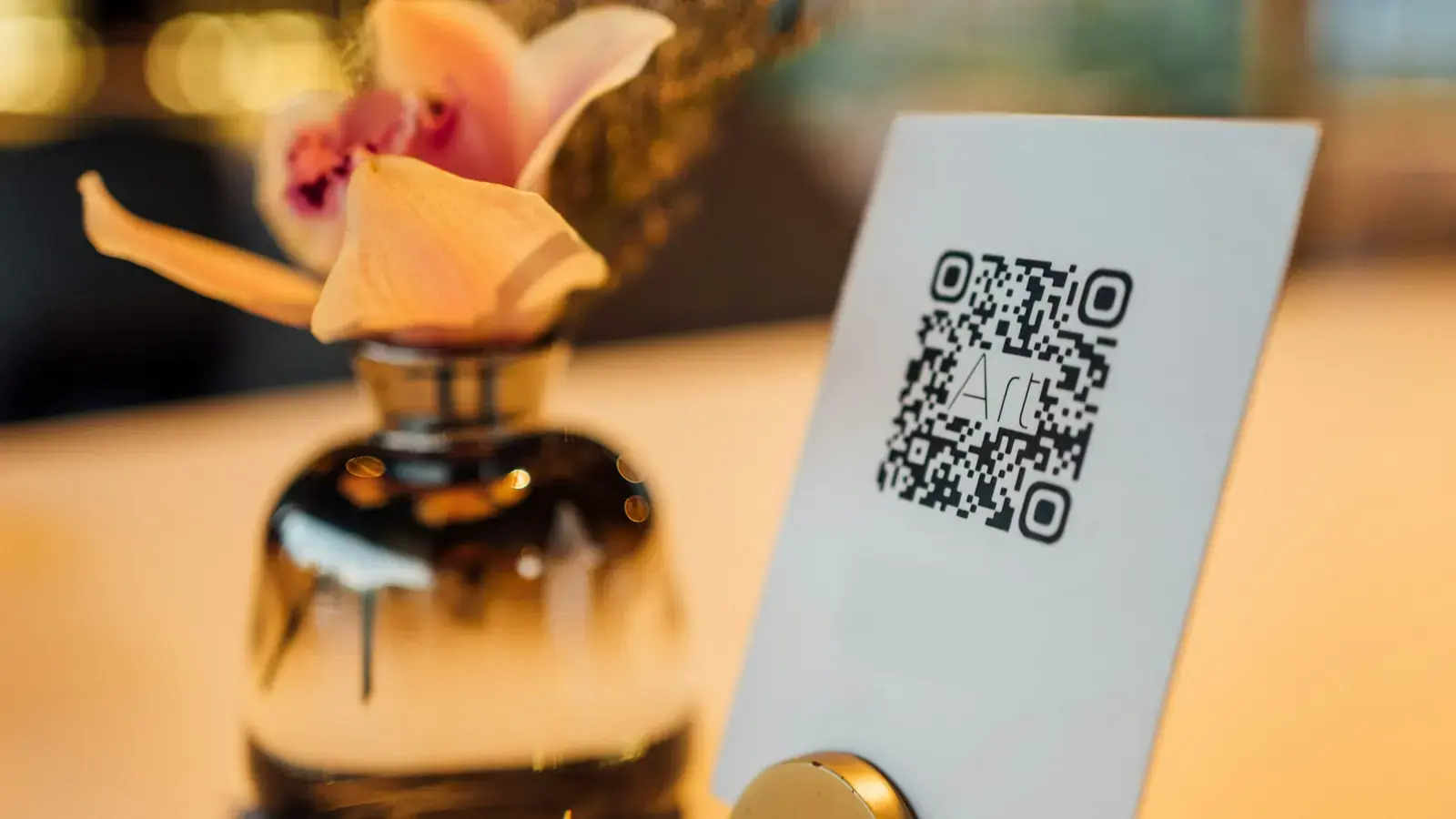
A booking QR code is a printed code that opens your booking page on a customer’s phone. On a counter stand, door sticker or window poster it lets people book their next visit before they leave – or after you close. This guide shows where to put it, what to write, how to print it and how to measure it.
In this article· 8
What is a booking QR code and why put it on the counter?
A booking QR code is a square code that opens your booking page when someone points a phone camera at it. Current iPhones and most Android phones read QR codes straight from the camera app, so customers need no extra app.
The counter is where the next visit is decided. A customer paying for a haircut, a client leaving a massage or a guest checking out already knows they want to come back. Without a code you hear “I’ll call you”, and often nothing follows. With a code they pick a free time on the spot, and the booking lands in your calendar without a phone call.
- No phone tag. Customers see free times and book in under a minute.
- Works when you are closed. A poster in the window keeps taking bookings in the evening and at the weekend.
- Less work at the desk. You serve the person in front of you instead of reading out free slots.
- Direct bookings for accommodation. A guest who liked the stay books the next one directly with you, not through a portal.
The code itself is the easy part. What makes it work is the spot, the text next to it and a quick check of what it brings. The help article on the QR code and print materials shows every setting.
Where should you put the stand, sticker and poster?
Put the code where people wait, pay or look around, at eye level and in good light. Each spot suits a different material:
| Spot | Material | Why it works |
|---|---|---|
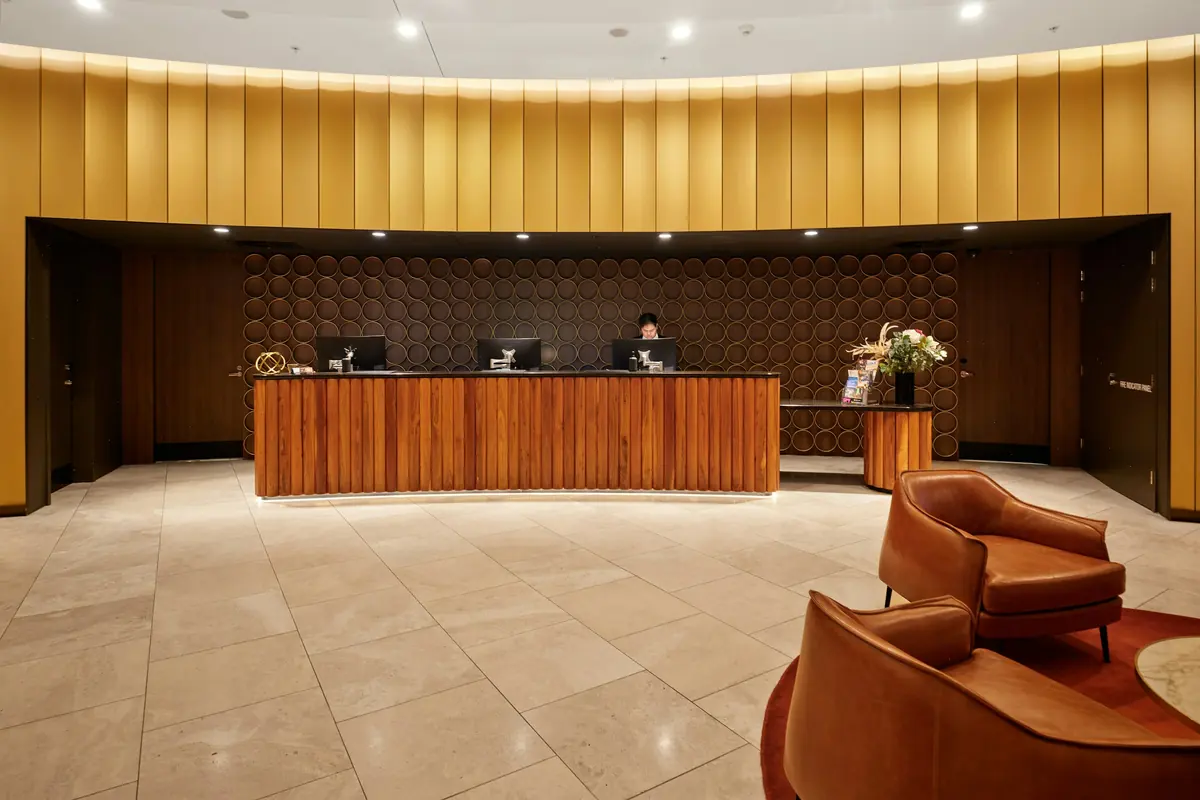
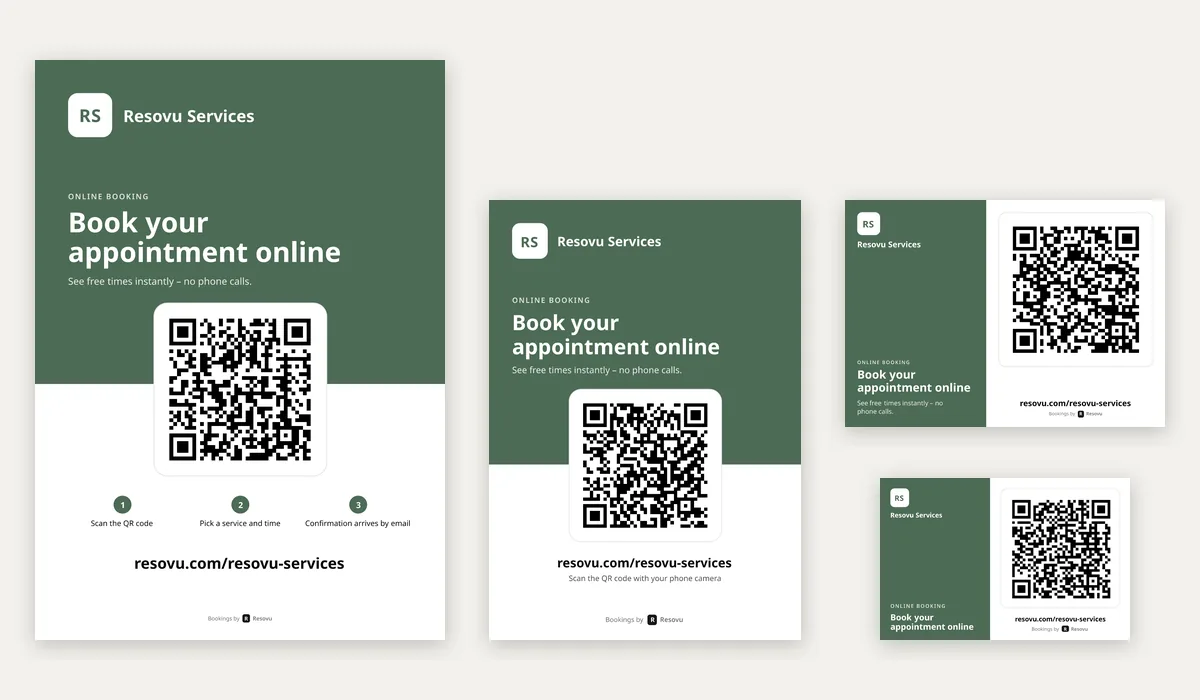
| Counter, reception, checkout | A6 stand or folding A5 stand | Everyone passes it; the folding stand reads from both sides. |
| Styling station, treatment room, mirror | Sticker 85 × 55 mm | Clients look at it while they wait for the colour or the therapist. |
| Door and shop window | A4 poster | Passers-by book after hours; best pointed to your profile. |
| Room, welcome folder, key card | Sticker or business card | Guests have time in the evening to book the next stay. |
| Bag, aftercare card, receipt | Business card | The code goes home with the customer. |
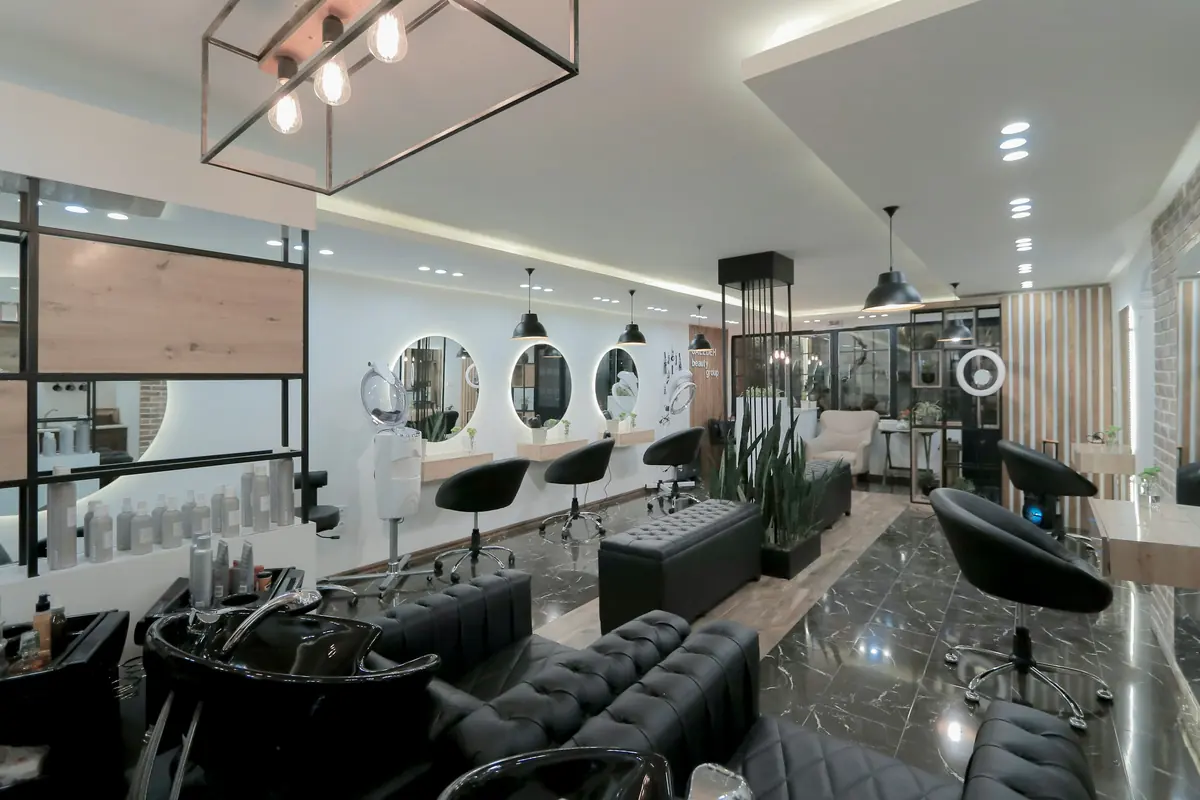
Two practical rules: the code should face the customer, not you, and it should never sit behind a pile of leaflets or the card terminal. In accommodation, the reception desk and the breakfast room work best; in the room, guests are more likely to scan in the evening than at check-out.
What should the call to action say?
“Scan me” tells people what to do, but not why. A good call to action says what happens and what they get, in a few words:
- Hairdresser or barber: “Book your next cut”.
- Massage or physiotherapy: “Book your next massage online”.
- Guesthouse or holiday home: “Book your next stay directly with us”.
- Gift vouchers in December: “Give a massage – buy a voucher online”.
Keep it short: on Resovu materials your own text can have up to 40 characters, and the line underneath already explains that free times are visible right away. Write it in the language of your customers – the text language of the material is independent of your dashboard, so a guesthouse can print an English stand for foreign guests.
Then say it out loud once. “Next time you can book right here” at the checkout does more than any design. Avoid promises you cannot keep, such as a discount the booking page does not actually give.
How big should the code be and where should it lead?
A common rule of thumb is a distance-to-size ratio of about 10:1: a code 3 cm wide reads from roughly 30 cm, and codes smaller than 2 × 2 cm are hard for many phones to read (Bitly). A counter stand is read from arm’s length; a window poster from the street needs the larger A4 format.
Lead the code straight to the page where people act:
- Online booking – for the counter, the mirror and the room. The customer chooses a service or dates right away.
- Business profile – for the window and the door. People who do not know you yet first see photos, reviews and opening hours.
- Gift vouchers – before Christmas or Valentine’s Day, if you sell vouchers online.
The printed code holds a fixed address, so it never expires. If you change your colour or logo, the old stands keep working; you only reprint them for the new look.
If you have your own domain such as booking.yourbusiness.com, the code and the short address printed under it use it as soon as the domain is live. Codes printed before still lead to resovu.com and keep working.
Should you print at home or at a print shop?
Both work; it depends on how many pieces you need and where they go.
- At home or in the office: download the PDF without bleed. Stickers come as an A4 sheet of 10 cut along grey lines; the stand fits on A6, the folding stand is an A5 sheet folded in half. Thicker matte paper stands up better and does not reflect light into the camera.
- At a print shop: tick the option for 3 mm bleed and crop marks. The PDF is vector, so text and code stay sharp at any size. Ask for lamination for the window and the door.
- For social media and email: download a PNG. Designers get an SVG they can place into their own layout.
Before printing a whole batch, print one piece, scan it with two different phones and check that the right page opens.
How do you know which material brings bookings?
Each material’s code adds tags to the link (utm_source=qr and utm_medium with the format). The booking remembers where it came from, so you do not have to guess whether the stand or the window poster works.
In Resovu you see the result in Analytics → Booking sources as QR – stand, QR – folding stand, QR – sticker and QR – poster (Starter plan and up). If you use Google Analytics on your booking page, the same tags can also show up there as source qr.
Give each spot its own material and compare after a month. A poster that brings nothing may only need a better place or a different target – the profile instead of the booking page, for example.
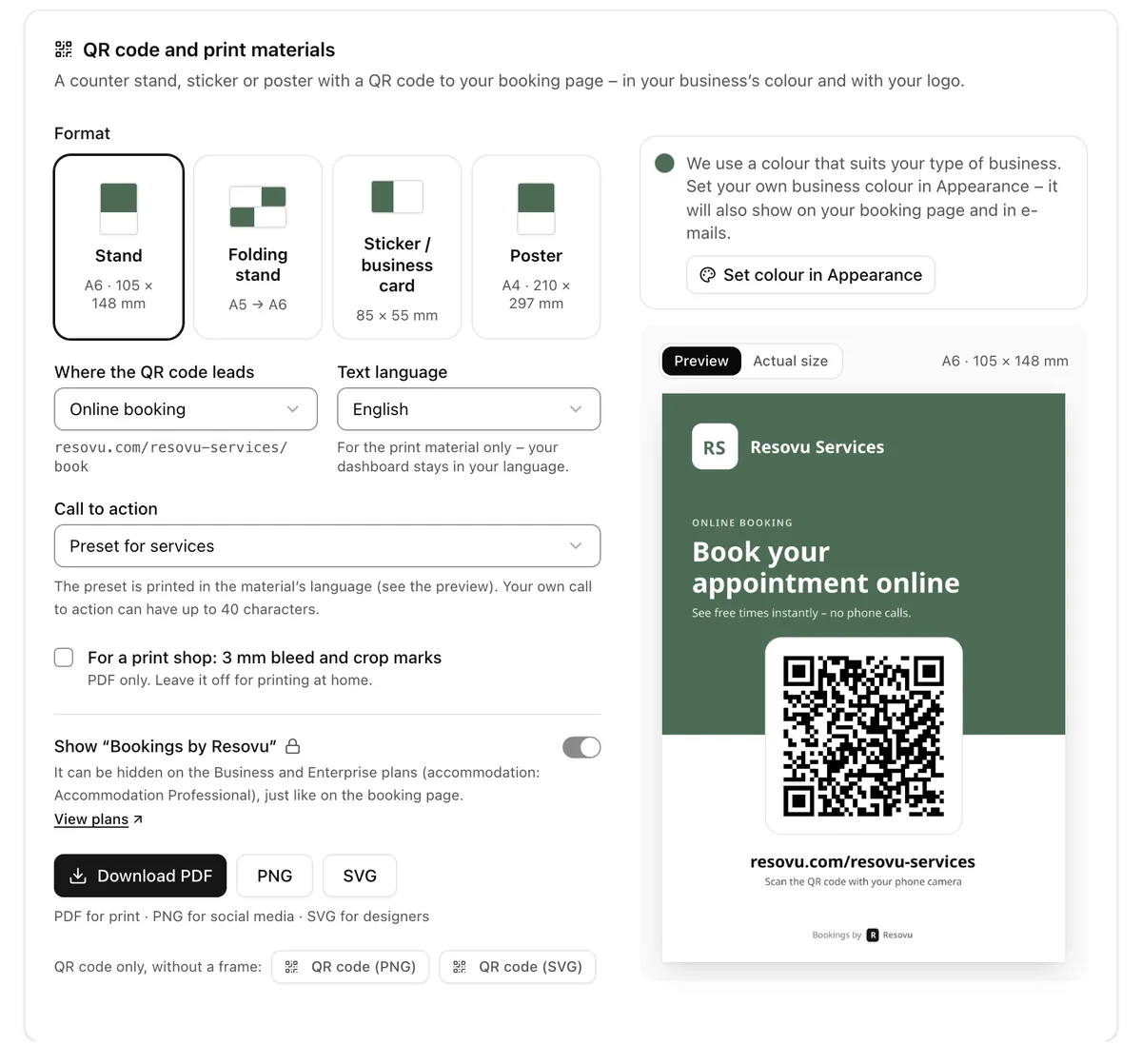
How to do it in Resovu
The short version. The step-by-step guide is in the Help Center.
- Settings → QR code and print materials (or My pages → QR code and print materials): choose Stand, Folding stand, Sticker / business card or Poster.
- In Where the QR code leads keep Online booking, or choose Business profile or – if you sell them online – Gift vouchers.
- Choose the Text language and the Call to action: a preset for services or accommodation, or your own text of up to 40 characters.
- Without your own brand colour the material uses a colour that suits your type of business; set your colour and logo in Settings → Appearance.
- Download the PDF (tick bleed and crop marks for a print shop), print one piece, scan it, and after a few weeks check Analytics → Booking sources.
Frequently asked questions
Do customers need an app to scan the code?
No. Current iPhones and most Android phones read QR codes in the camera app, and the code opens your booking page in the browser.
Will a printed code stop working?
No. The code holds a fixed address. After a change of colour, logo or text you only reprint it for the new look; codes printed before you added your own domain keep working on resovu.com.
Can the stand be in another language than my dashboard?
Yes. The text language of the material is set separately, in any of the nine Resovu languages.
What does it cost?
The QR code and print materials are included in every Resovu plan, including Free; you pay only for printing. Hiding “Bookings by Resovu” on the materials needs a plan that can remove Resovu branding.
Sources
Related guides from the Help Center
Was this article helpful?
Try it in Resovu
Try online booking for free – no card needed.
Start freeMore articles
All articles GuideStore and showroom visits booked from your website or online shopFurniture, mattress, kitchen, bike and bridal shops sell things people want to see or try first. This guide shows how to let customers book a visit straight from a product page in your online shop or a model page on your website, so you know in advance who is coming and what they want to see.7 min read
 GuideHow to move from a paper diary to online bookingA paper diary works until clients want to book at 10 pm, a colleague needs to check a slot or someone forgets an appointment. This guide is for salons, therapists and tutors who still book by phone: what changes, a four-week switch plan and the exact Resovu steps.7 min read
 GuideDirect bookings for holiday homes alongside Airbnb and Booking.comPortals bring first-time guests, but take a fee on every stay. This guide is for hosts with one to a few dozen units who want returning guests and recommendations to book directly: what portal fees cost on a real stay, what a direct booking page needs and how to set it up in Resovu.7 min read